Open source · local first v1.15.0
Every AI coding agent,
on one ledger.
Tokmeter reads the session files your agents already write and turns them into token and cost totals by project, model and day. No API keys, no account, no telemetry.
$ npx -y @sriinnu/tokmeter --today$ brew install --cask sriinnu/homebrew-tap/tokmeterbar$ claude mcp add tokmeter --scope user -- npx -y @sriinnu/tokmeter-mcp serveBuilt-in parsers for 24 agents, plus any you register
- Claude Code
- Codex
- Codex Desktop
- Gemini CLI
- Cursor
- OpenCode
- Amp
- Droid
- OpenClaw
- Pi
- Kimi
- Qwen Code
- Roo Code
- Kilo Code
- Kilo CLI
- Mux
- VS Code Copilot
- Copilot CLI
- Antigravity
- Zed
- Muse
- Cline
- Augment
- Synthetic
How it works
From session file to ledger.
Every agent already keeps a log of what it sent and received. Tokmeter reads those logs where they sit and keeps the totals.
Read
Each agent's own session files, JSONL or SQLite, straight from disk. Counted once per API response, even when a provider writes a turn across several lines.
"message": {"id": "msg_01…",
  "model": "claude-sonnet-4-6",
  "usage": {
    "input_tokens": 1840,
    "output_tokens": 312,
    "cache_read_input_tokens": 42210
  }}
Price
Tokens are priced against a live model catalog, with your
pricing-overrides.jsonon top. Tool-reported costs are kept as reported.model input output per M sonnet-4-6 $3.00 $15.00 source catalog · exact match
Seal
At midnight the day is sealed into an append-only ledger. A sealed day keeps the prices of its day, even after the raw logs age out.
10-10  4.21M  $12.40  sealed
10-11  2.87M   $8.15  sealed
10-12  1.02M   $2.45  live
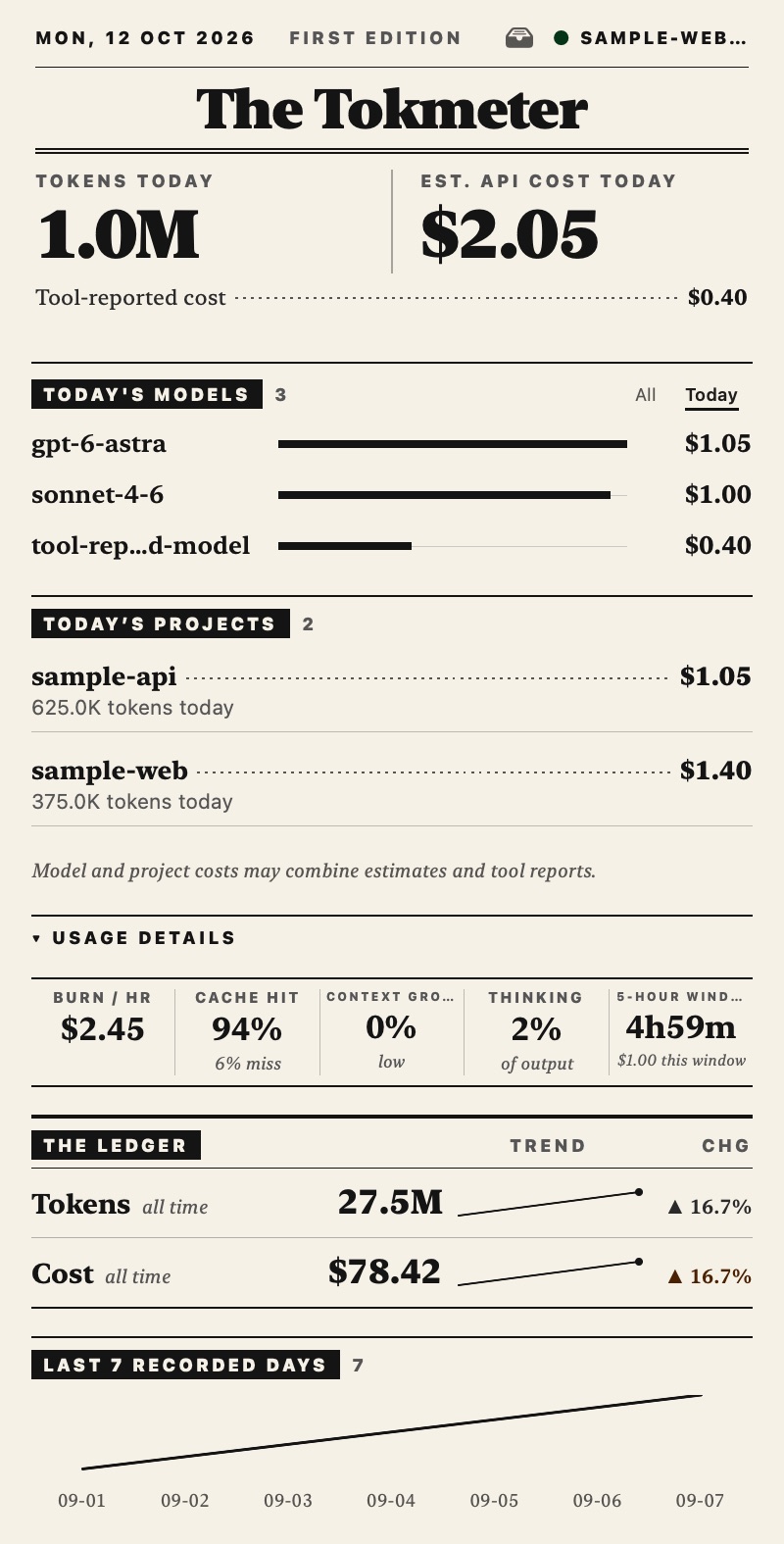
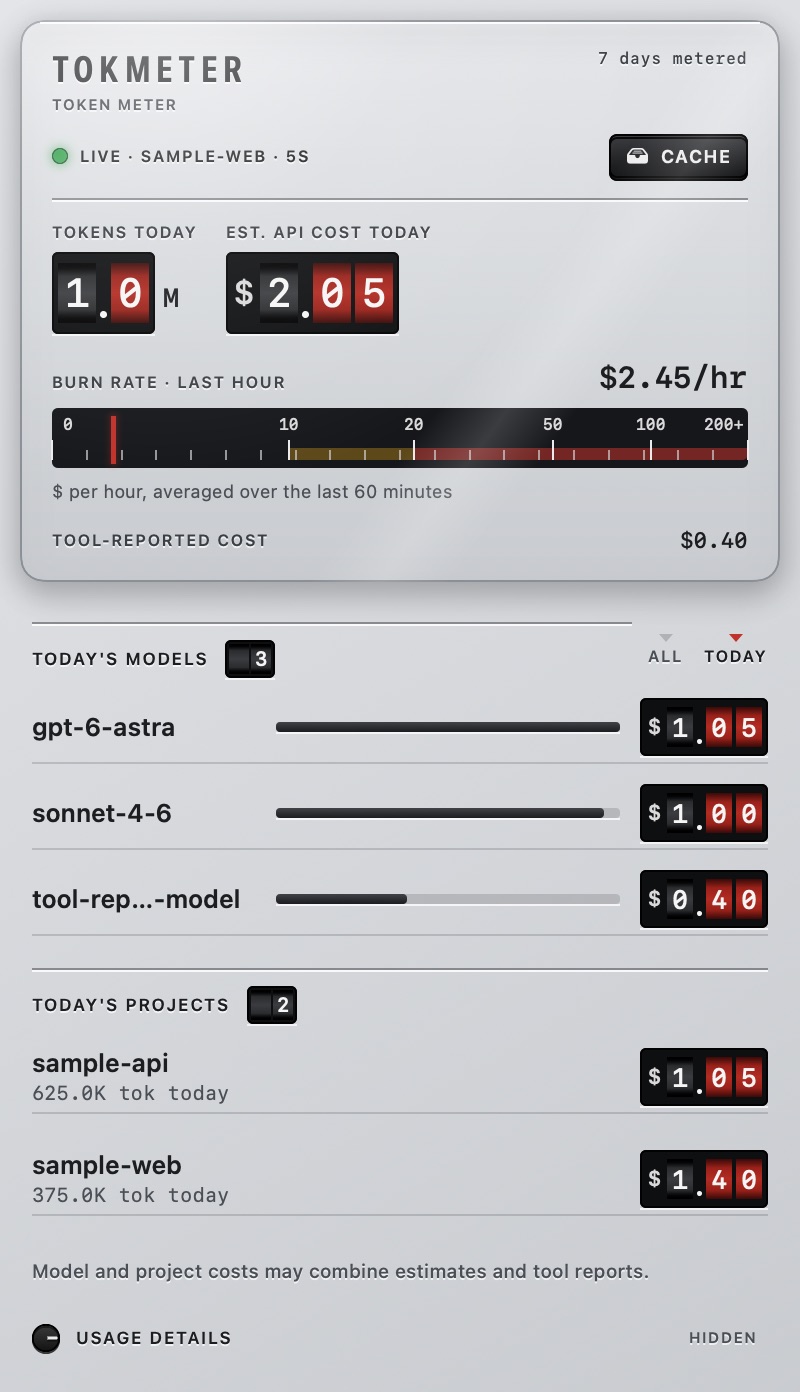
Today, at a glance
The same day, in your terminal and your menu bar.
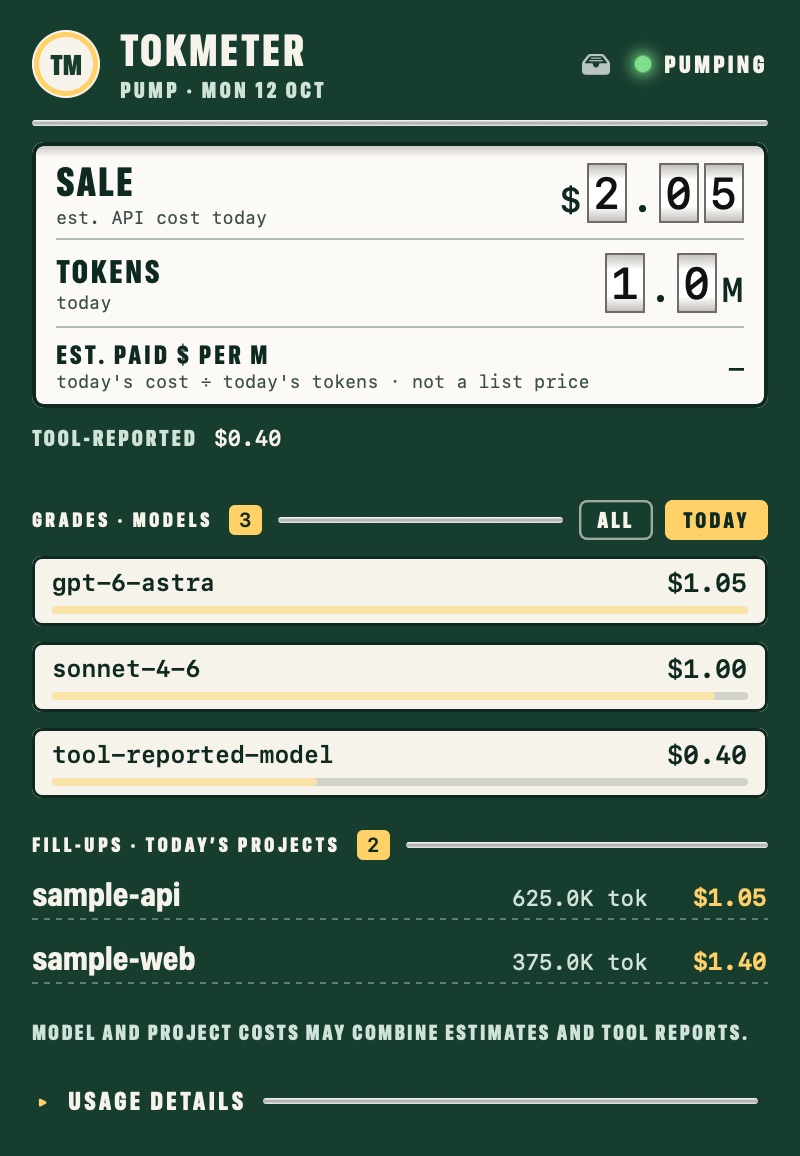
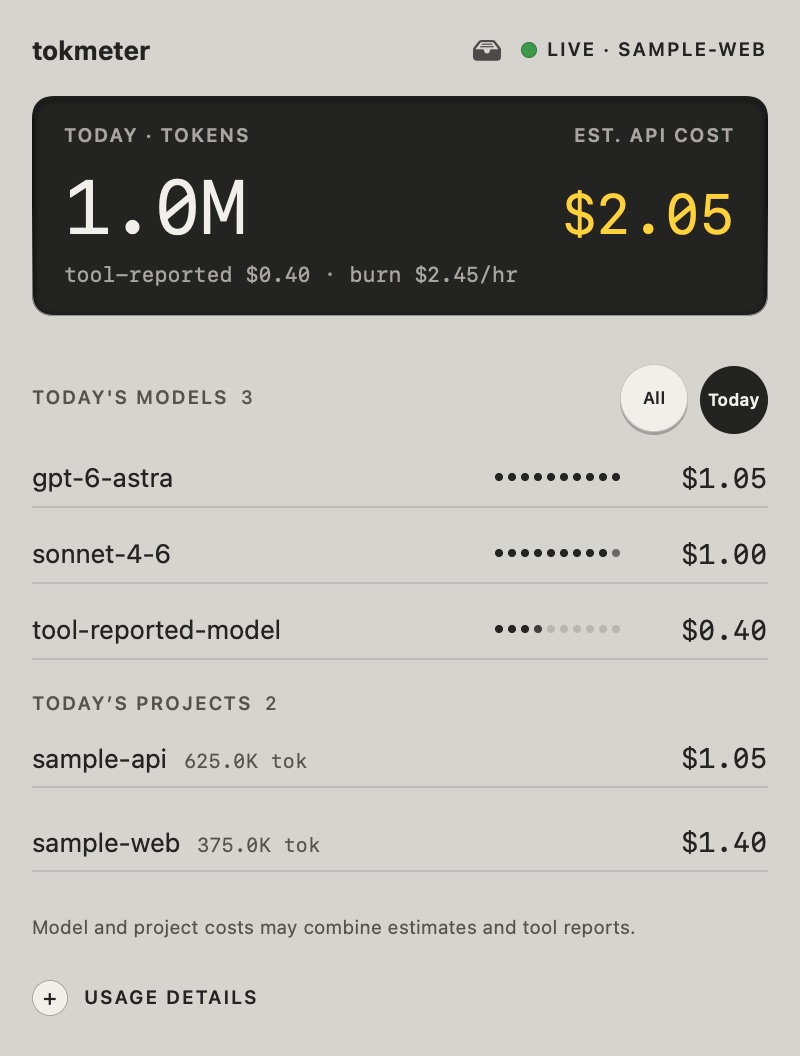
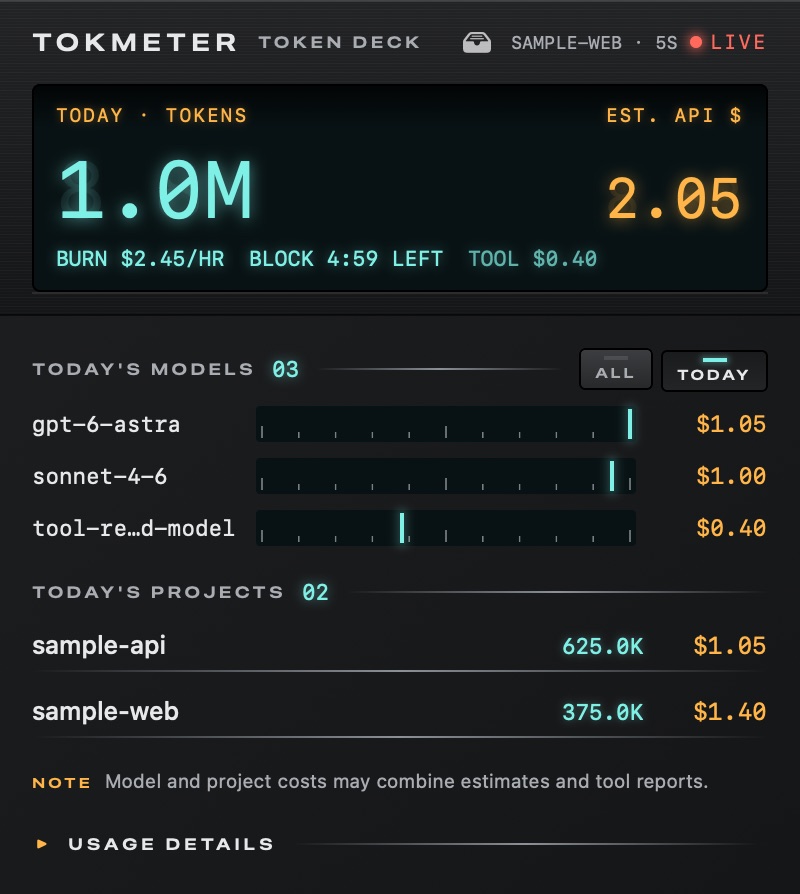
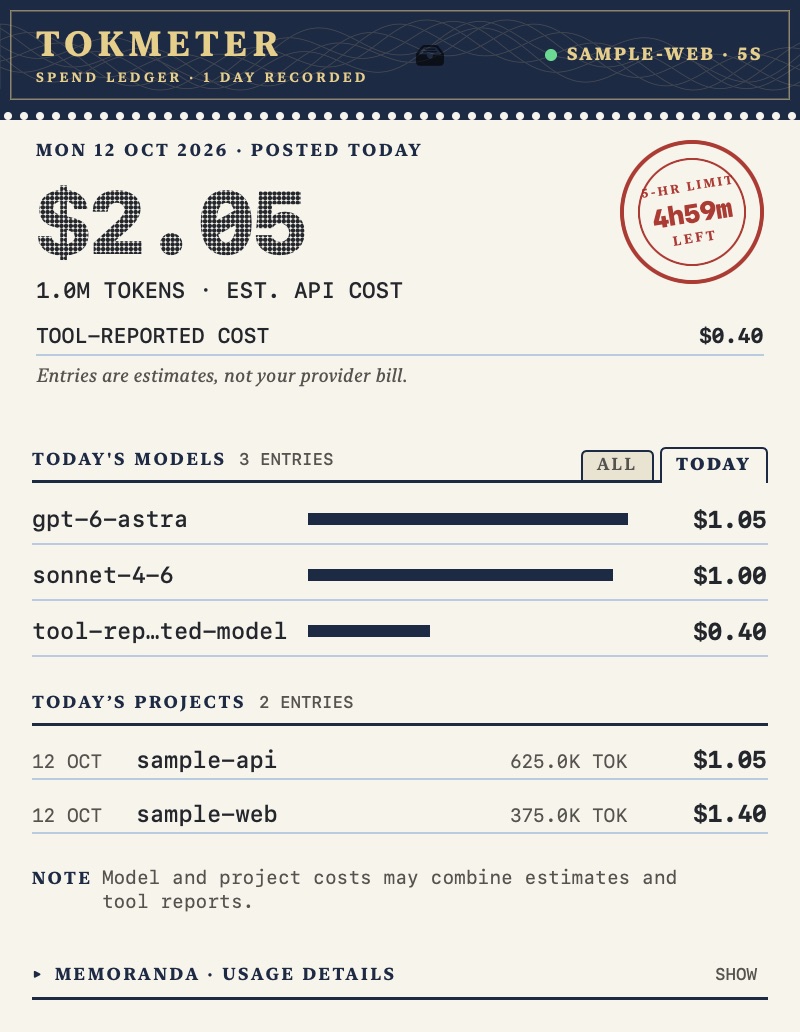
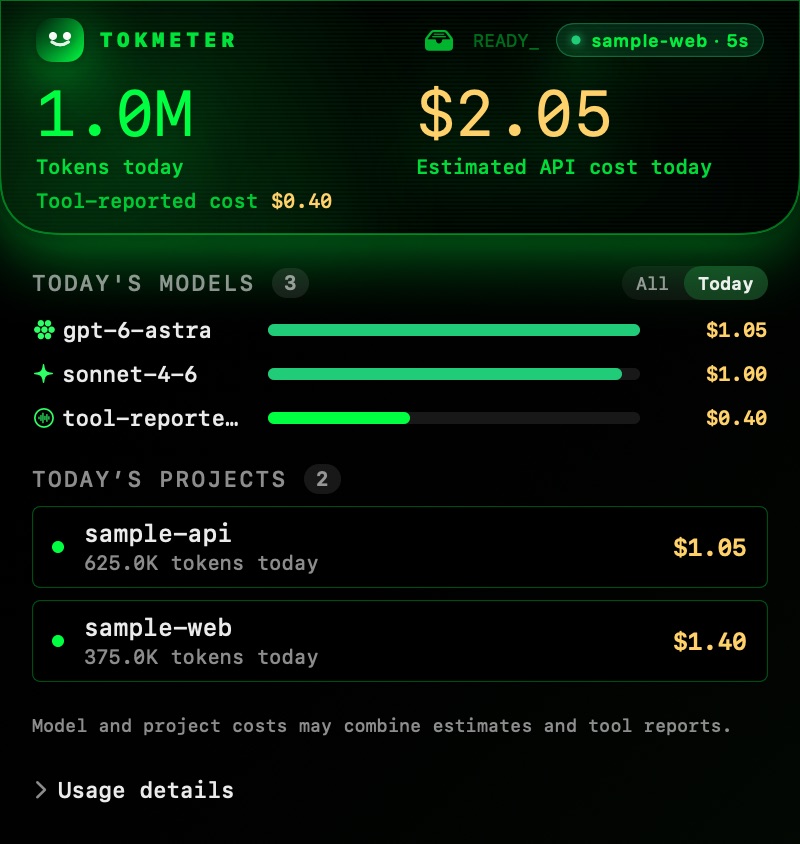
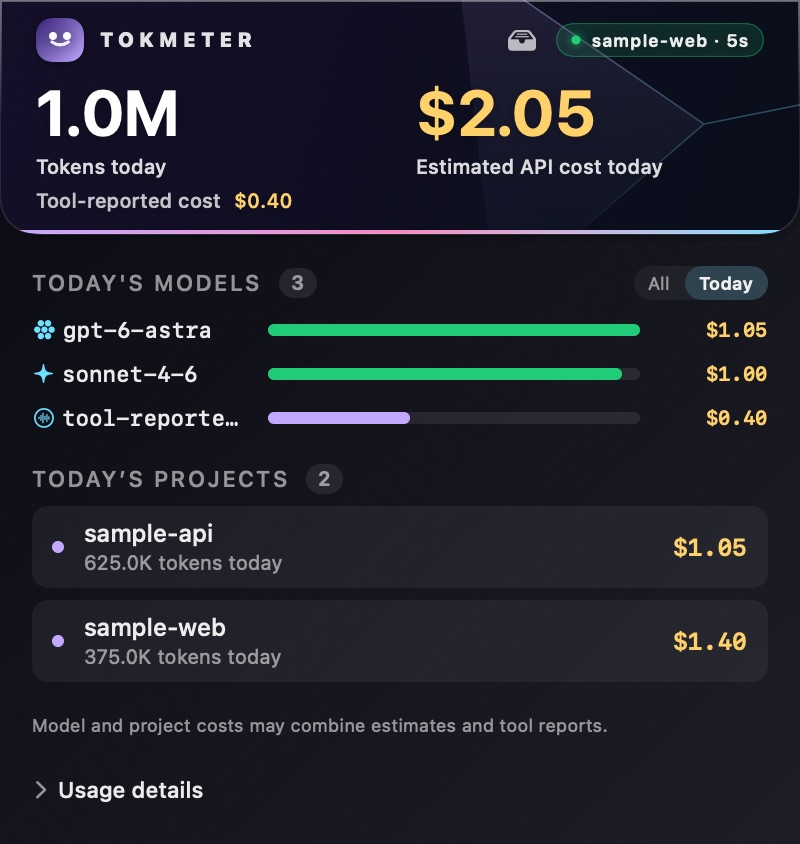
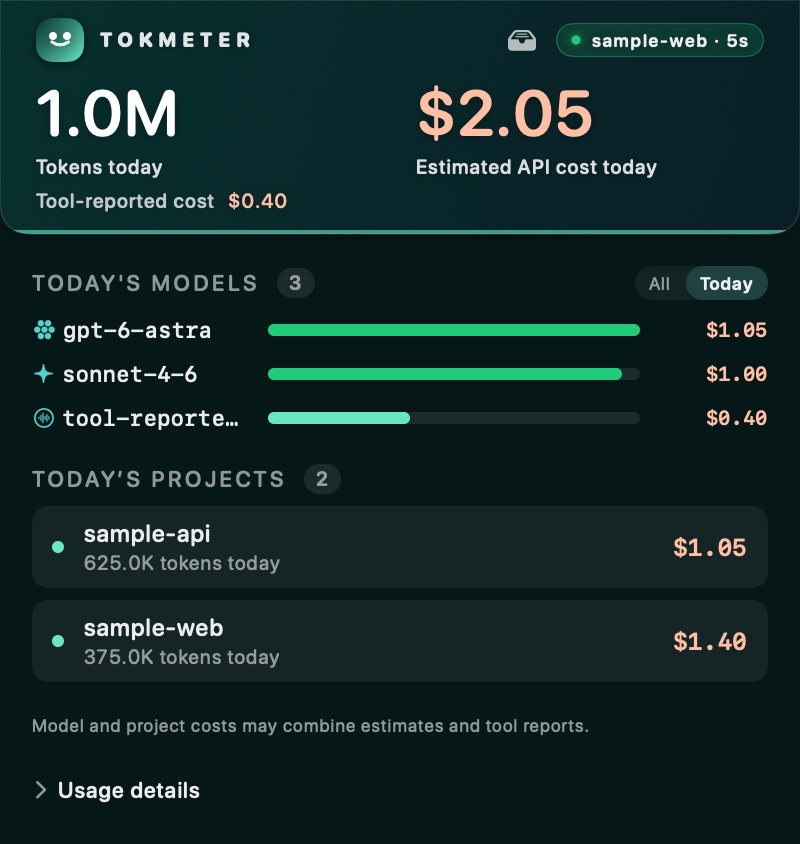
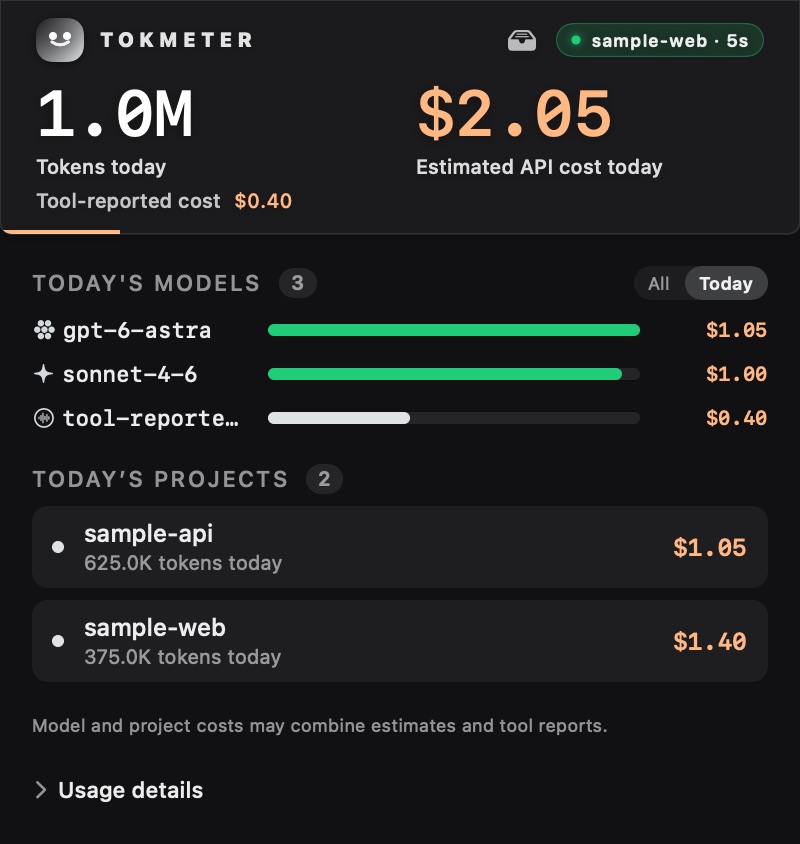
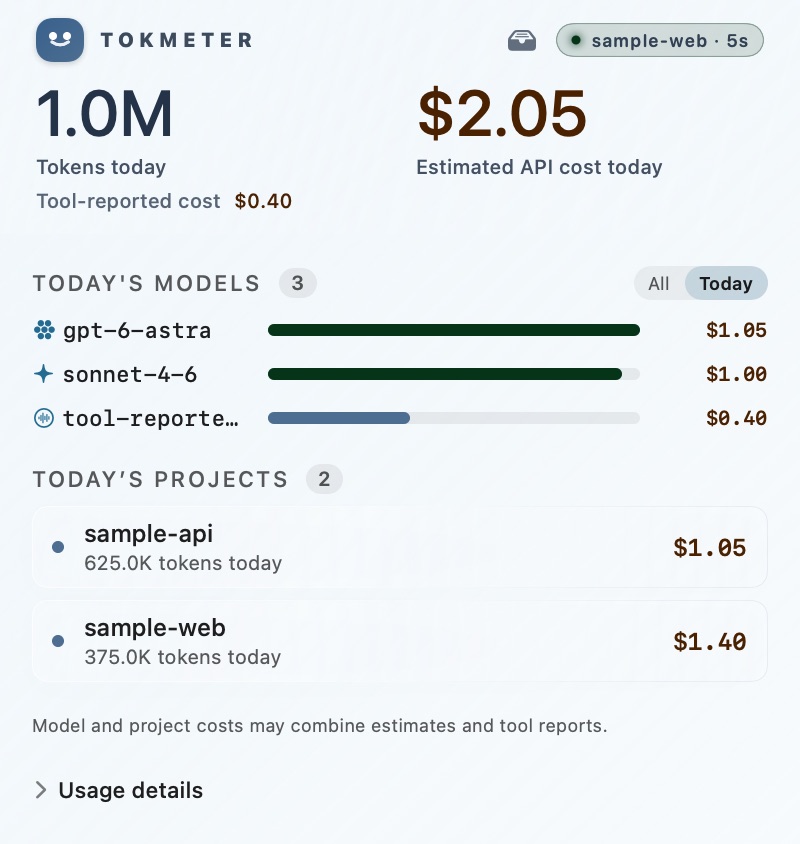
Sample data. The popover is drawn by the app's own views; the table follows the CLI's project table, column for column.
$ tokmeter --today
┌─────────────┬──────────┬───────┬────────┬───────────┬─────────────┐
│ Project     │ Tokens   │ Cost  │ Models │ Providers │ Active Days │
├─────────────┼──────────┼───────┼────────┼───────────┼─────────────┤
│ sample-web  │ 375.0K   │ $1.40 │ 2      │ 2         │ 1           │
├─────────────┼──────────┼───────┼────────┼───────────┼─────────────┤
│ sample-api  │ 625.0K   │ $1.05 │ 1      │ 1         │ 1           │
└─────────────┴──────────┴───────┴────────┴───────────┴─────────────┘
Surfaces
One scan, everywhere you look.
The CLI, the menu bar, your agents and your statusline all read the same numbers from the same local daemon.
CLI and TUI
Today, this week, any project or model. tokmeter --today, a weekly digest, and a full-screen terminal UI.
Menu bar app
Today’s tokens in the menu bar. Open it for cost, models, projects and a $/M rates panel, in eleven themes.
AgentsMCP server
24 tools, so an agent can ask what it has spent, compare models or forecast the month. 22 only read; the two that delete need a typed confirmation.
Local APIDaemon
One process scans once and serves every surface over 127.0.0.1, token-protected.
Statusline
This session’s tokens and cost under your prompt in Claude Code, OpenCode and others, plus every open agent’s total when the daemon runs.
BrowserWeb dashboard
Larger charts on demand, started and stopped by the menu bar app.
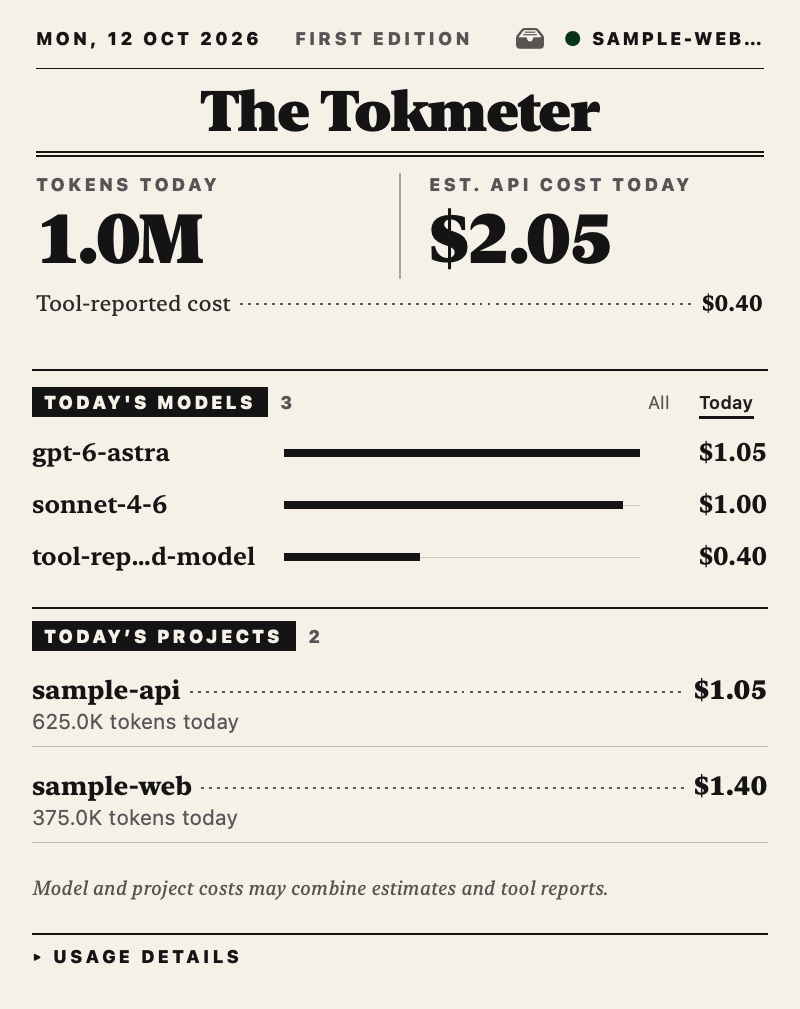
The menu bar
Eleven ways to read the same day.
Five are instruments: a utility meter, a fuel pump, a calculator, a hi-fi deck, a passbook. Every element on them is a real reading.
Numbers you can check
Wrong numbers are worse than no numbers.
Tokmeter shows its work, and says so when a figure is an estimate.
Estimates are labelled
API-rate estimates and costs a tool reported itself are kept apart and named as such. Neither is your subscription bill.
History doesn't move
Only today reprices. A completed day keeps the cost it was sealed with, and a rebuild may grow a sealed day, never shrink it.
Your data stays put
Usage is read and stored on your machine. The only network calls are an optional public price-catalog fetch (--light skips it) and the app's update check.
Every rate has a source
The $/M panel shows each model's input, output and cache prices, and whether they came from your override, an exact or fuzzy catalog match, or nowhere.
Know what today cost.
Free and open source. Install the CLI in one line, or the menu bar app from GitHub or Homebrew.